


Key Points
- Recover your GogoGame account using the official recovery methods.
- Ensure your recovery email is accessible during the process.
- Follow security protocols to protect your account.
- Regularly update your password for better security.
- Contact GogoGame support if you encounter persistent issues.
Recovery Overview
Understanding the Recovery Process
The GogoGame account recovery process involves specific steps to regain access to your account when you can't log in. Beginning with verifying your identity, the system ensures that only the rightful owner of the account can make changes.
Users should be aware of the information required during recovery, including email addresses linked to the account and answers to security questions when applicable.
- Initiate recovery through the GogoGame login page.
- Provide the necessary information for verification.
- Follow on-screen prompts to reset your password.
Steps for Account Recovery
To recover your GogoGame account, follow these structured steps to ensure a smooth process.
It's important to complete each step without skipping to avoid complications.
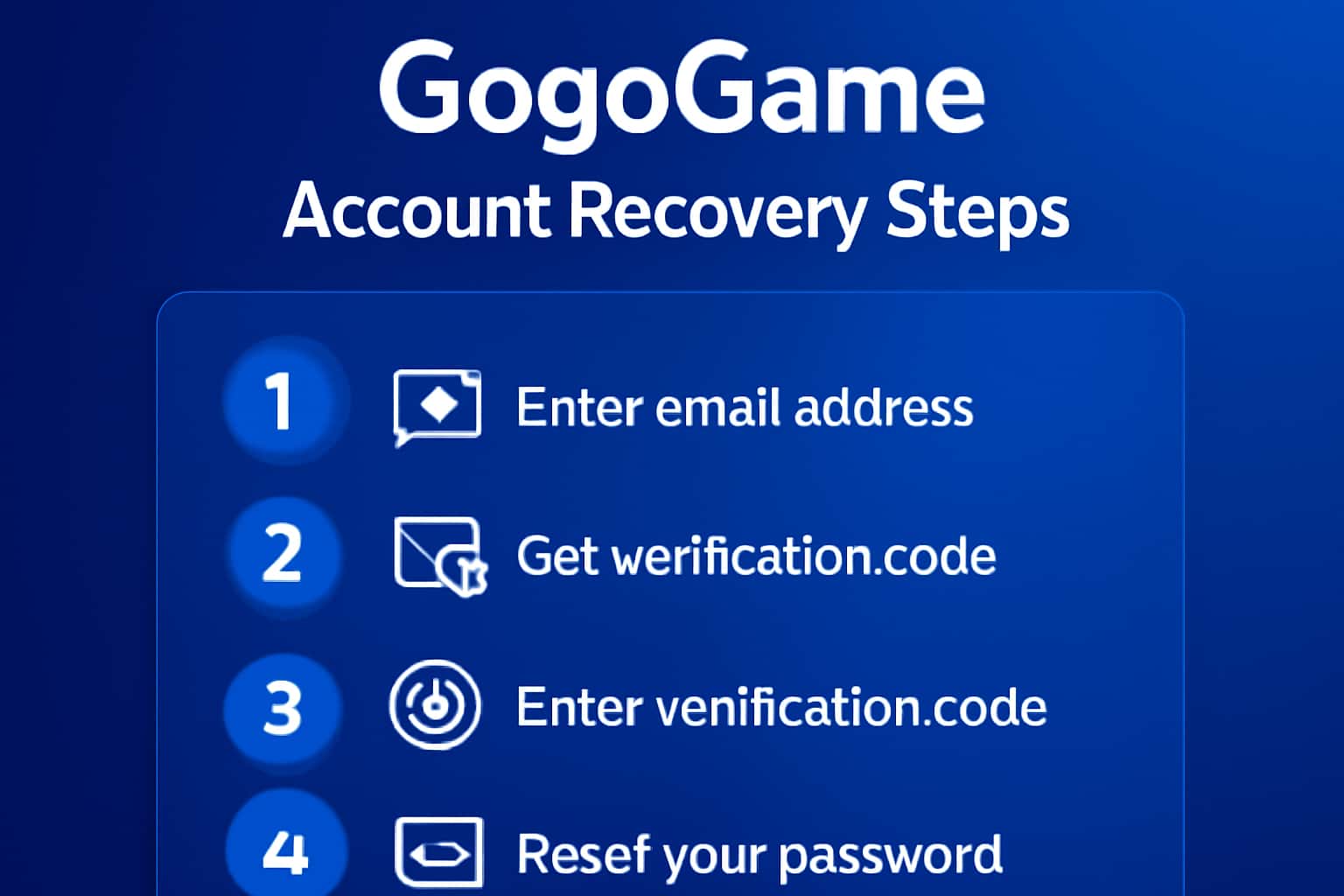
- Visit the GogoGame login page and click on 'Forgot Password'.
- Enter your registered email address.
- Check your email for a recovery link.
- Follow the link to create a new password.
- Log in with your new credentials.
Enhancing Account Security
After recovering your account, it is vital to enhance your account security to prevent future access issues.
Implementing stronger passwords and enabling two-factor authentication are significant steps.
- Use a mix of letters, numbers, and special characters in your password.
- Change your password regularly.
- Enable two-factor authentication for additional security.
Why Trust GogoGame's Recovery Process
- GogoGame prioritizes user security and privacy during recovery.
- The recovery process is straightforward and designed to minimize stress.
- Support is available to assist users experiencing difficulties.
Account Recovery Steps
Visit Recovery Page
Go to the GogoGame login page and click on 'Forgot Password'.
Enter Email
Input the email address associated with your GogoGame account.
Check Email
Look for a recovery email and follow the instructions provided.
Reset Password
Create a new password and confirm it according to the guidelines.
Log In
Use your new password to log into your GogoGame account.
Common Problems
Not receiving the recovery email.
This could be due to incorrect email input or delivery issues with your email provider.
- Double-check the email address entered for typos.
- Check your spam or junk folder for the recovery email.
Unable to reset the password.
Password reset links can expire or may not work if the email is not verified.
- Request a new password reset link if the first one has expired.
- Ensure your email is verified with GogoGame.